No more admin
You don’t need to enter the complexities of the admin area in order to make site content changes. Just type yoursite.com/edit and manage the site using the extra toolbar on the left of the page. Easy and safe!
The On-Site Editor allows managing the content of any WebinOne site quickly and efficiently, eliminating any chance of breaking the site’s code, layout and structure.
Perfect for site owners who wish to edit their own website without entering the full feature-set of the admin area.
Try Now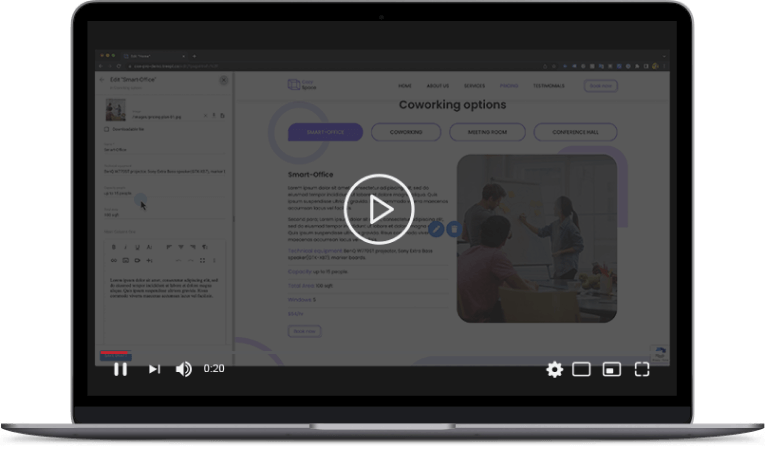
You don’t need to enter the complexities of the admin area in order to make site content changes. Just type yoursite.com/edit and manage the site using the extra toolbar on the left of the page. Easy and safe!
With On-Site Editor you can add/edit/remove text blocks, blog posts, events, banners, gallery images, manage products, FAQ’s, Custom Modules and more. You decide and configure what can and cannot be edited.

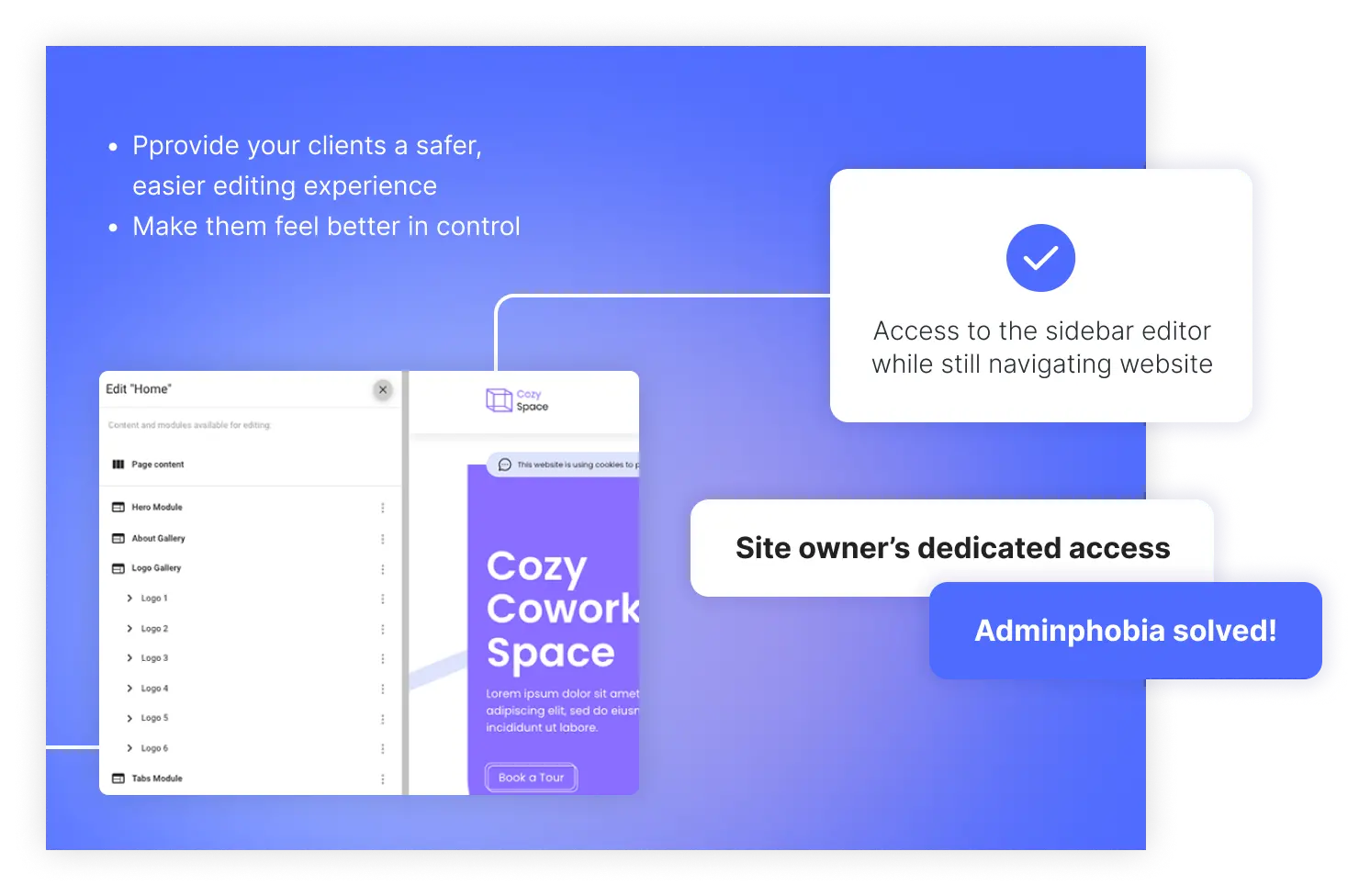
Site editors simply access the OSE by appending /edit to their web address - giving them access to the OSE sidebar editor while still navigating their website front-end. Adminphobia solved!
You provide your clients (site owners) and their staff with access to only the specific website pages and modules they need to edit.
The website cannot be “broken” by OSE Pro actions. The editor can save/delete drafts and publish changes. But the most important thing - editors have zero access to code!
With OSE Pro you can add/edit/remove text blocks, blog posts, events, banners, gallery images, manage products, FAQ’s, Custom Modules and more. You decide and configure what can and cannot be edited.
You can provide your clients a safer, easier editing experience that makes them feel better in control and happier to make changes themselves.
Using OSE Pro you can quickly and easily configure new sites from templates by updating the color scheme, fonts and other Site Globals, as well as the site content.
You can independently work with the On-Site Editor by following the detailed guidelines provided in the documentation.
View Documentation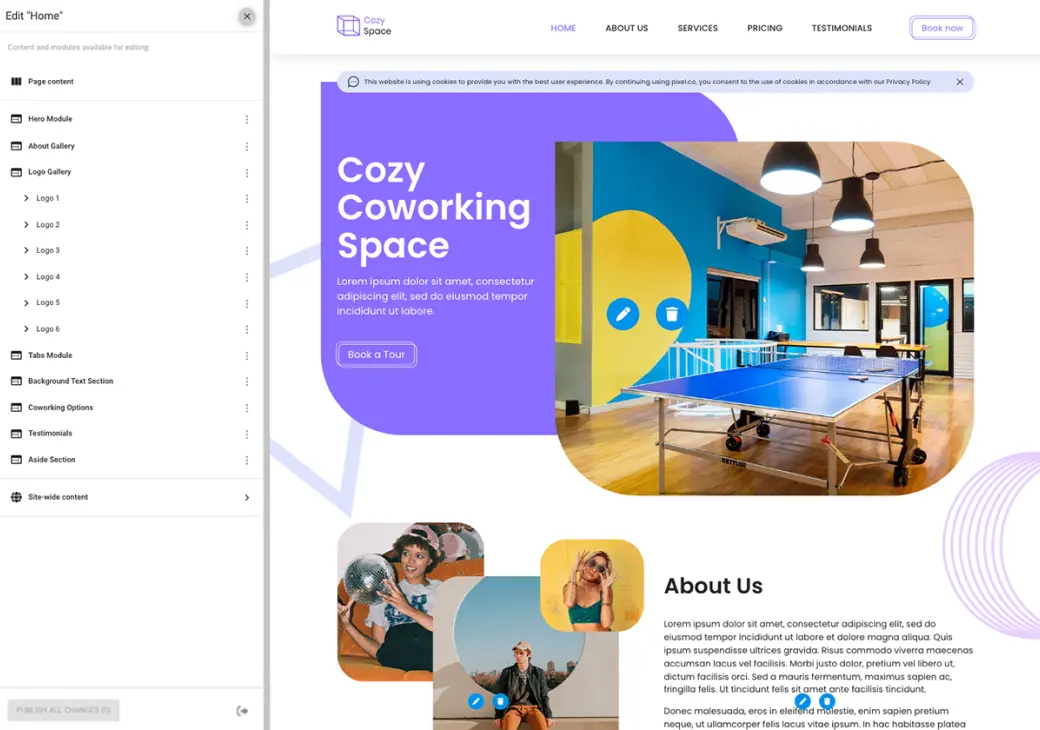
TeamOne can assist in integrating On-Site Editor into your live site and ensuring compatibility through re-implementation
Submit Request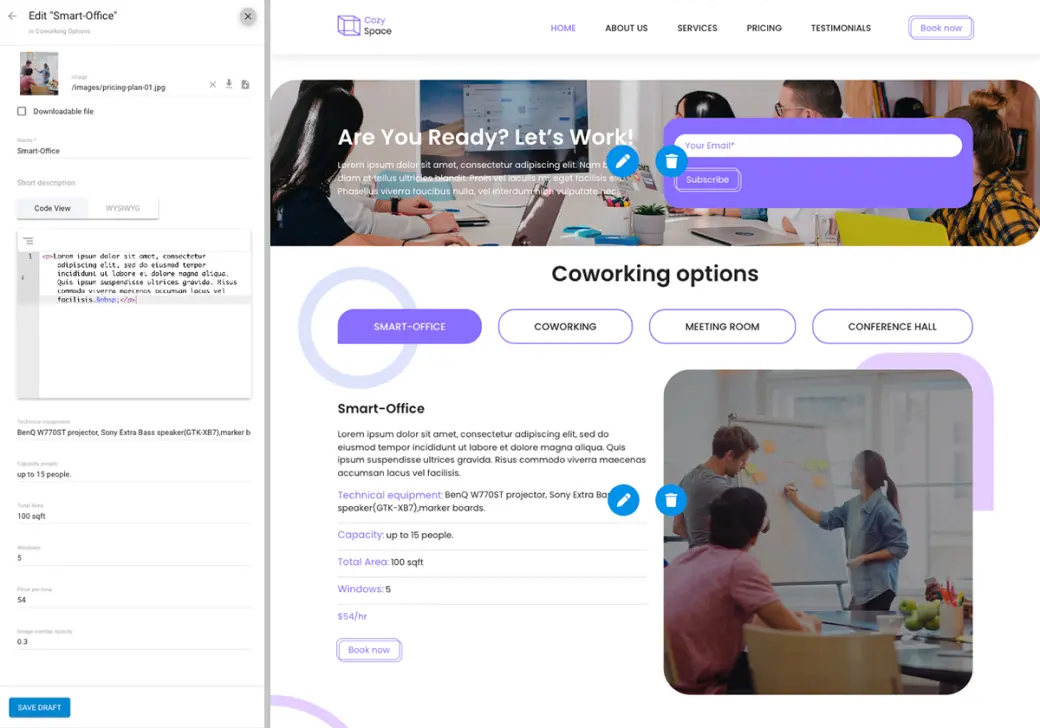
TeamOne can integrate On-Site Editor during the markup stage and proceed with implementation to WebinOne, allowing you to update the color scheme, fonts, and content
Submit Request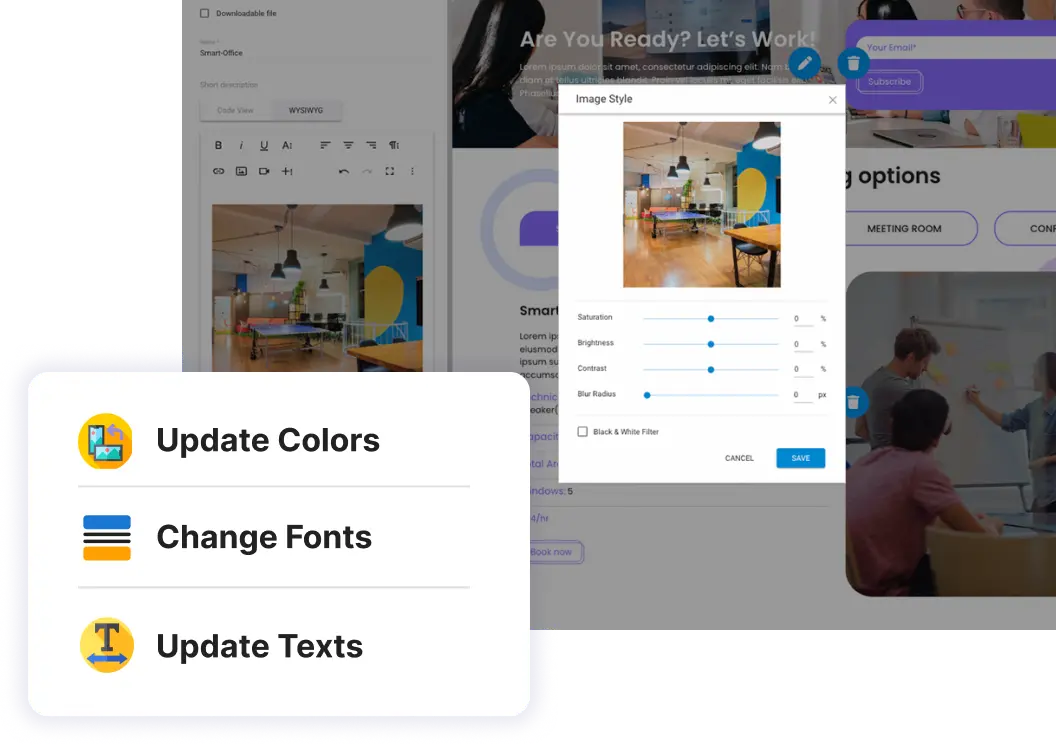
TeamOne can integrate On-Site Editor during the markup stage and proceed with implementation to WebinOne, allowing you to update the color scheme, fonts, and content
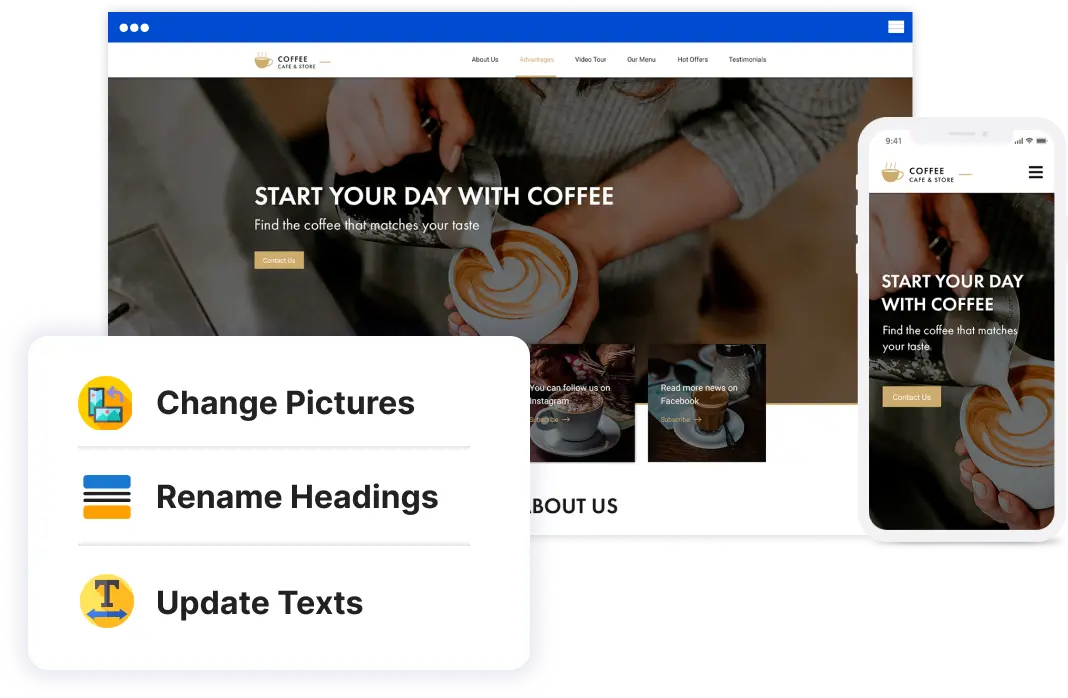
Your guide to efficiently using On-Site Editor
In this case you need some level of code development. See details in WebinOne documentation
We can help re-implement your live site for On-Site ditor compatibility
On-Site Editor integration at the markup stage and further implementation
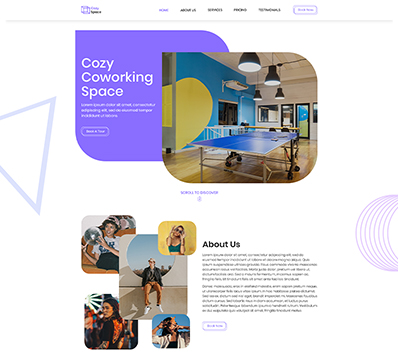
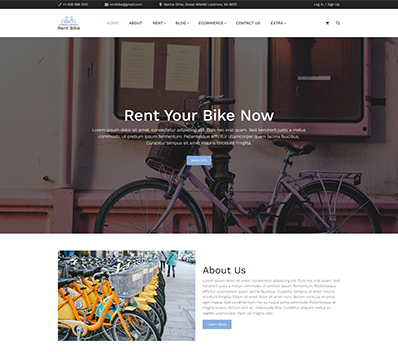
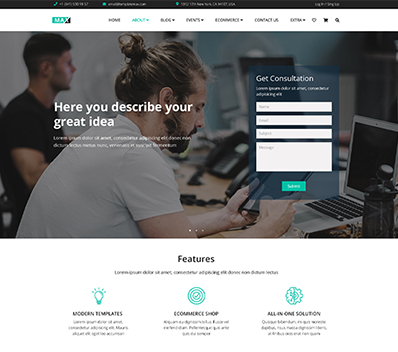
Use WebinOne Templates compatible with On-Site Editor
On-Site Editor (OSE) is WebinOne's visual front-end editing tool that lets agencies and their non-technical clients edit website content directly on the live page with live preview. Users click on any editable element - text, images, buttons, sections - and modify it in place without opening the admin panel.
OSE Pro (currently in beta) extends this with component-level editing, drag-and-drop section reordering, and inline style controls. It bridges the gap between developer-built templates and client self-service content management.
Developers define editable regions in Liquid templates using data attributes. Clients access OSE through a toolbar overlay on the live site after logging into their admin account. Changes publish instantly or save as drafts depending on workflow settings.
Unlike page builders that generate bloated markup, OSE preserves the clean HTML/CSS structure developers created. Content editors get visual control without breaking the design system or requiring developer intervention for routine updates.
This area is exclusive for Treepl Partners only. This is not your login to Treepl Portal. To log in into Treepl Portal go to: portal.treepl.co